Framer

Back in February 2025, I started playing with the then-shiny promise of agentic coding. One of the first tools I built for myself was **Framer**, a small command-line app for adding borders and captions to photos.
The format came from a box of old prints from my grandfather: white borders, machine-printed dates, and that particular feeling that a photograph was not just an image, but an object.
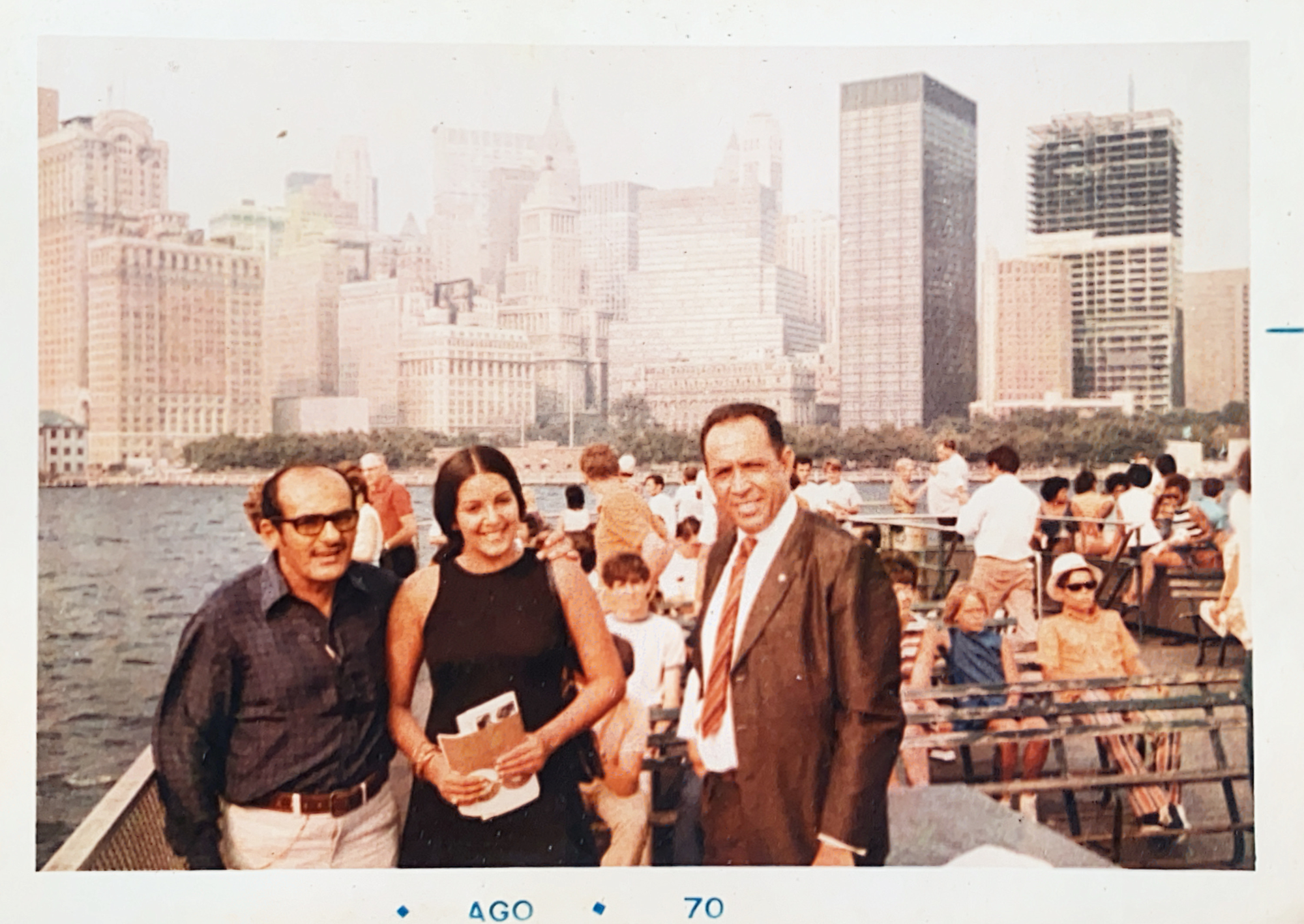
At the time, I described it like this:
This is a simple Go application that adds borders and captions to JPEG images. It is designed to be used as a post-processing step for images exported from Adobe Lightroom. This is an experiment in using LLM Models for the generation of personal tools and scripts. The entire code was created using Claude Code.
That first version worked. What didn’t work, at least not yet, was the attempt to turn it into a proper native app for iOS and macOS. I gave it a try, made some questionable framework choices, and left it there. A year later, the timing felt different.
The models got better. The tools got better. More importantly, I had a clearer sense of what I wanted the app to be. So I picked it back up.
I’ve written before about what these new tools make possible for personal software projects, most recently in my post about Bringing back the ritual of listening. Framer comes from the same impulse: making small, highly specific software for the rituals I care about.
Framer, now
Framer is now a native SwiftUI app for macOS and iOS.
Underneath, it still carries the DNA of the original command-line tool. But now it has a proper interface, a more flexible pipeline, and the ability to chain image-processing layers together and save them as presets.
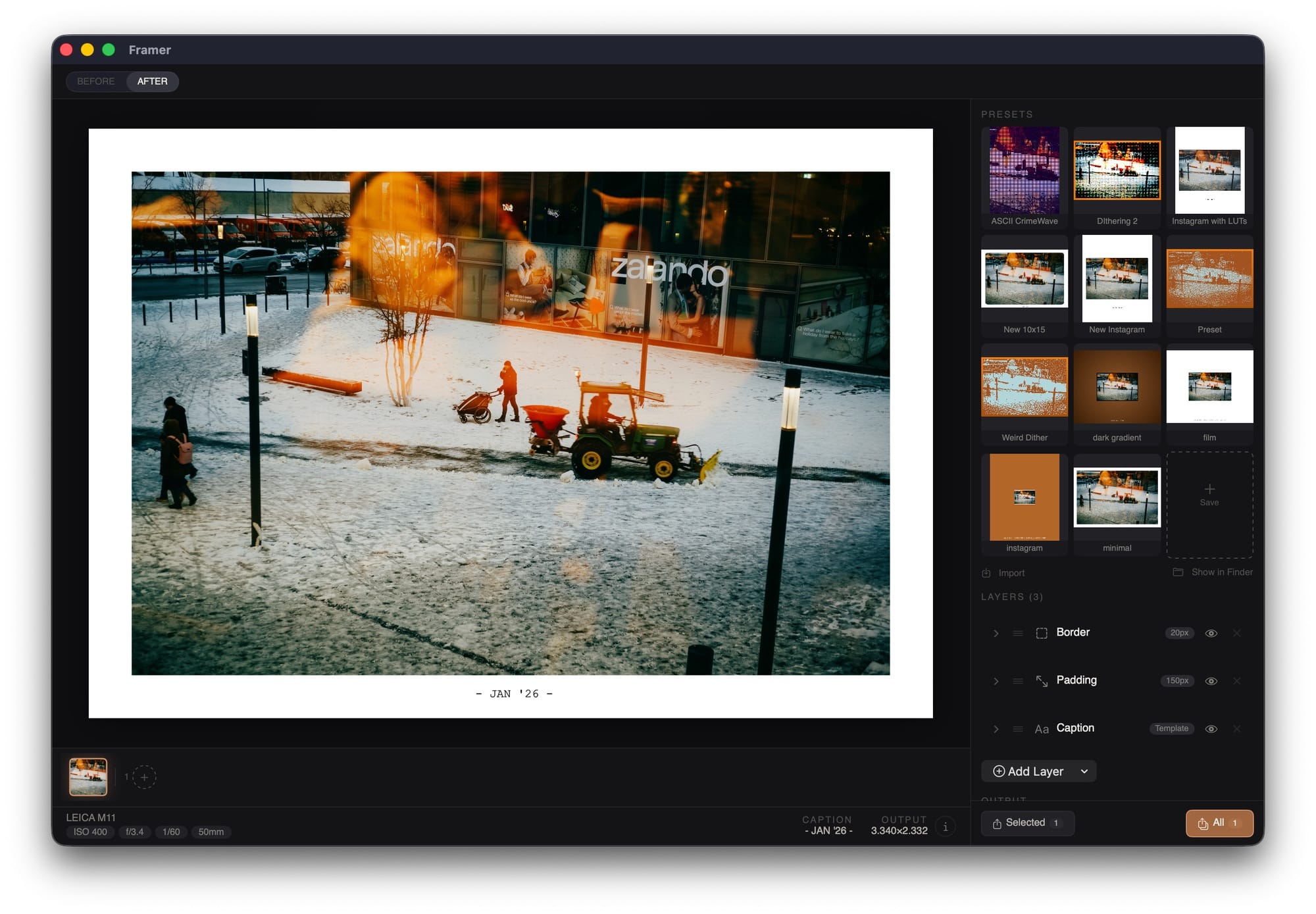
Let me walk you through it:
Adjustment Layers
The basic idea is simple: you take a photo, build a stack of transformations, and save combinations that match the kinds of images you want to make.
At the moment, Framer includes 14 different layers you can mix and match: Aspect Ratio, Border, Padding, Canvas, Resize, Orientation, Caption, Dither, Frame Overlay, Dust & Scratches, Light Leak, Wet Plate, LUT and Shaders.
For anything color-related, the app can also extract dominant colors from the image and reuse them for captions, backgrounds, or gradient maps.
A few of the layers are especially fun.
Dither
I’ve written before about my affection for Dithering. Framer now includes nine implementations: Bayer, Floyd-Steinberg, Atkinson, Blue Noise, Artistic Drip, Halftone, Stucki, White Noise, and Riemersma.
Beyond just choosing the algorithm, you can tweak pixel scale, bit depth, and a few preprocessing adjustments to push the image in different directions.
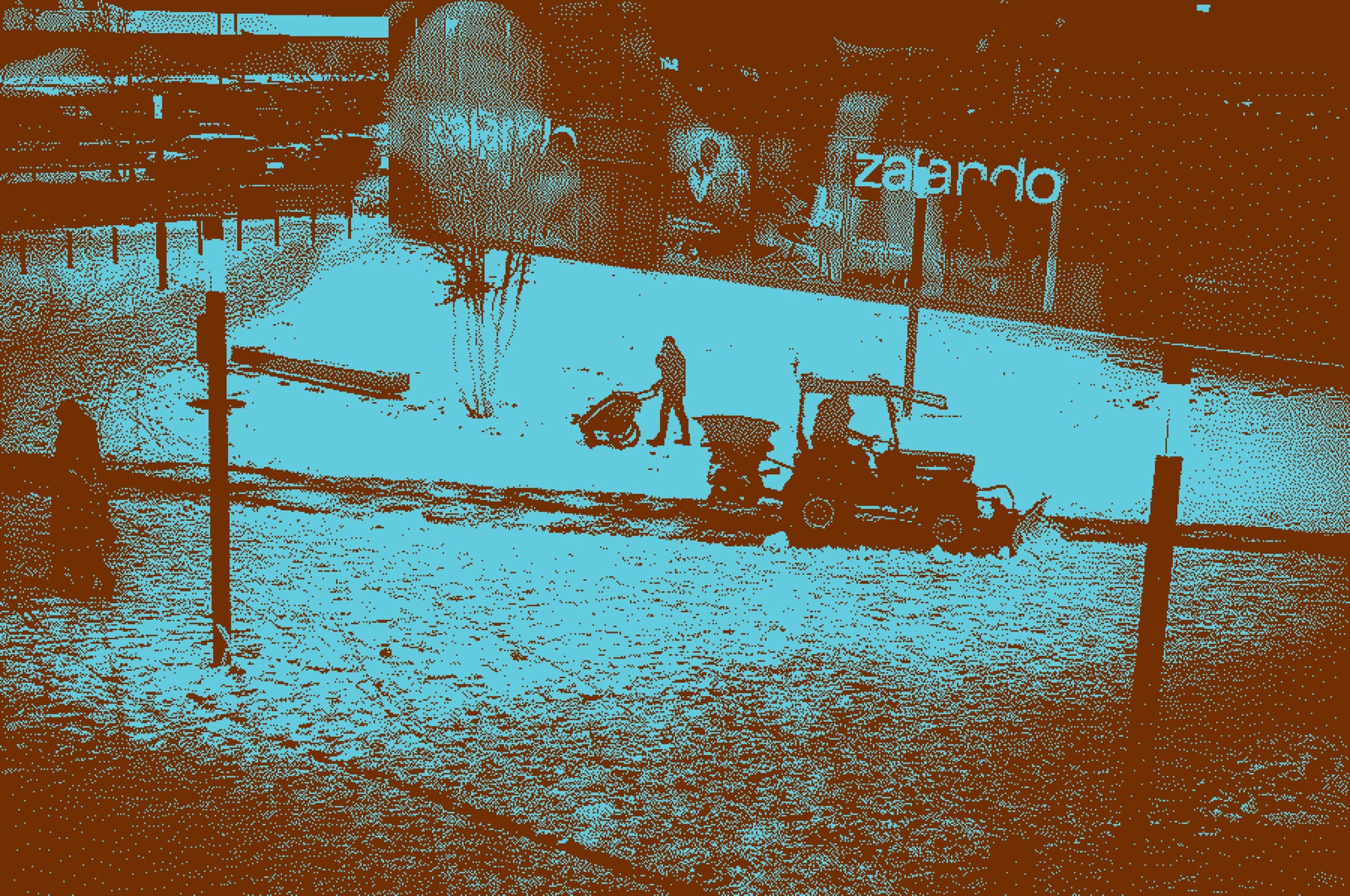
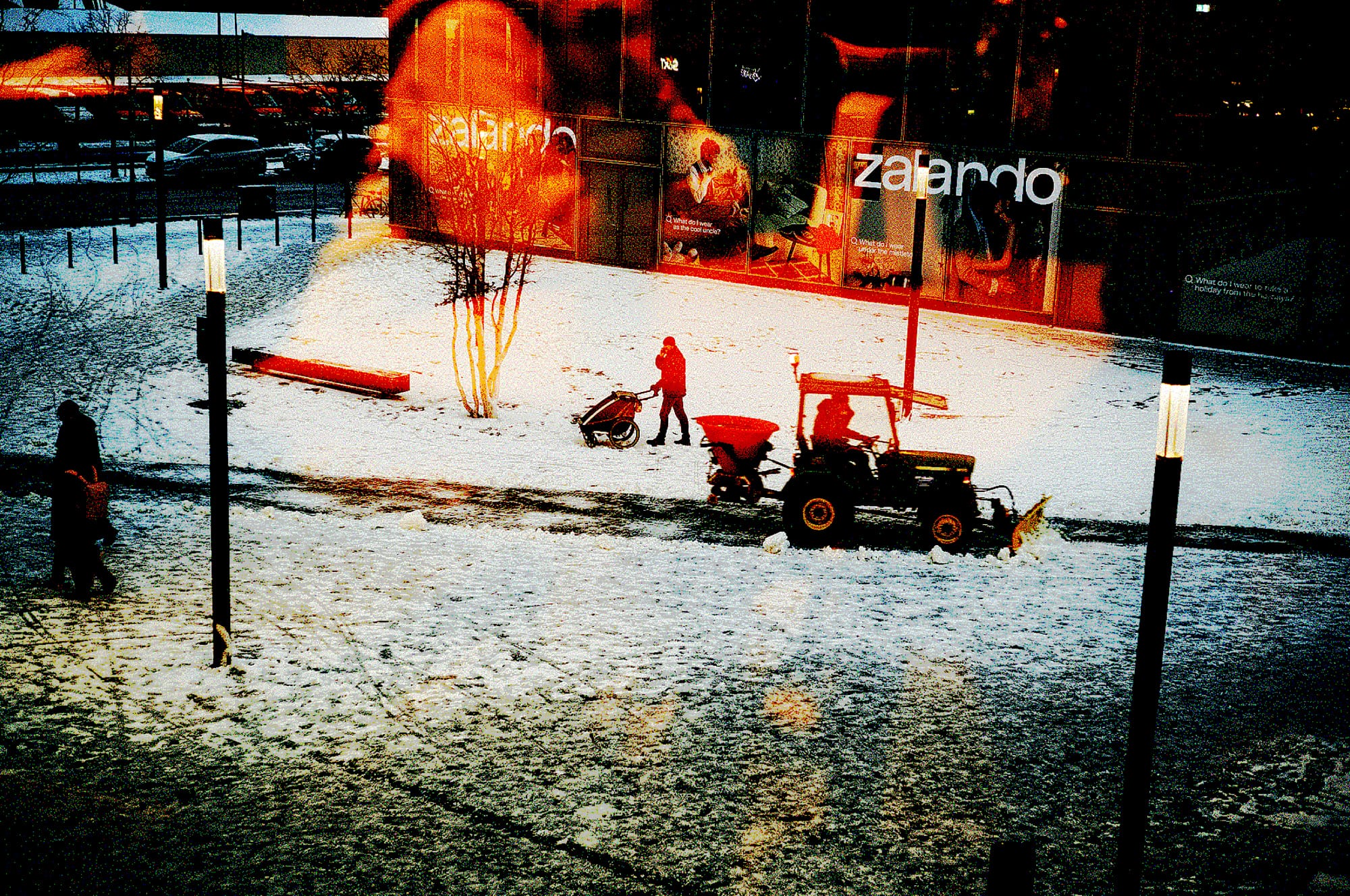
Left: Stucki / 3x Pixel Scale / Dominant Colors. Right: Riemersma / 2x Pixel Scale / Color and 2 bit per Channel.
LUTs
LUTs (Lookup Tables) are probably the fastest way to make an image feel like it belongs to a certain world. Framer supports standard 3D LUTs via `.cube` files, so it’s easy to load film emulations or custom looks and combine them with borders, captions, or other layers.
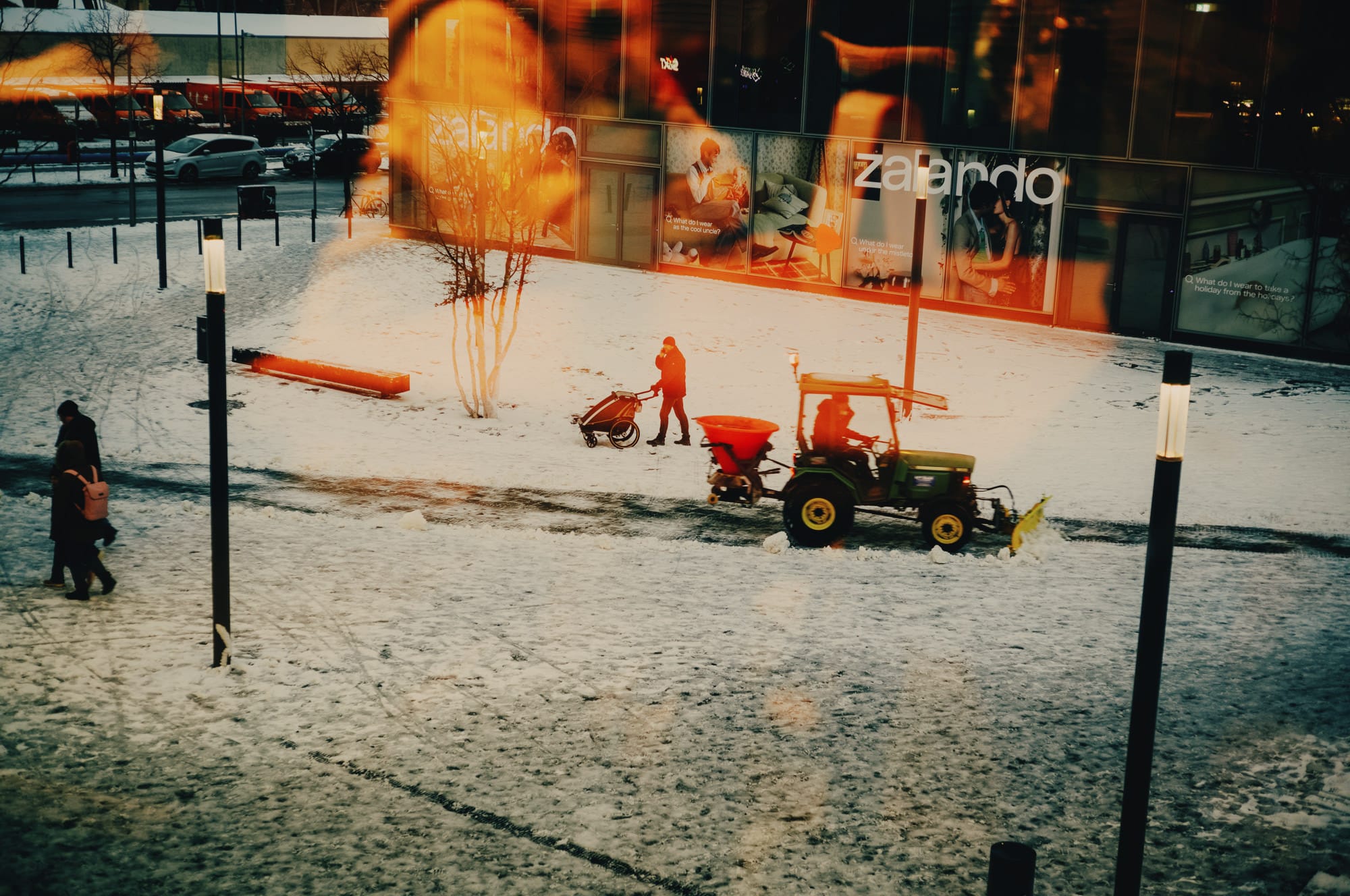
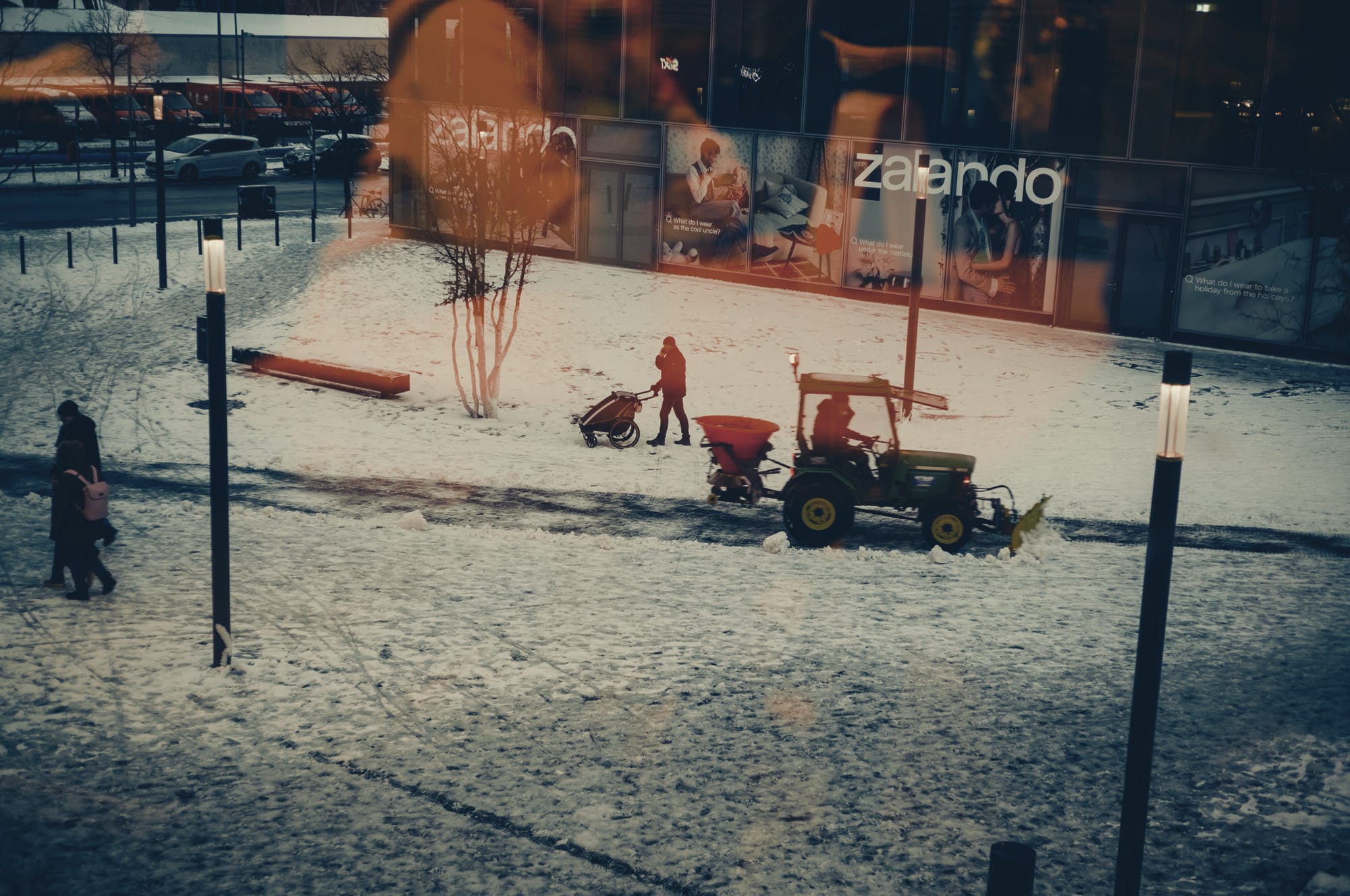
LUTs from ANDP Film Styles. Left: Kodak Portra 800. Right: Polaroid 600.
Shaders
This is where things get a bit more experimental. After watching Acerola_T’s videos on game shaders, I started borrowing some of that language for still images. So far Framer includes filters like ASCII, Crimewave, Narc, Shiba, Pixel Sort, Distant Past, CRT, Halftone, and Kuwahara.
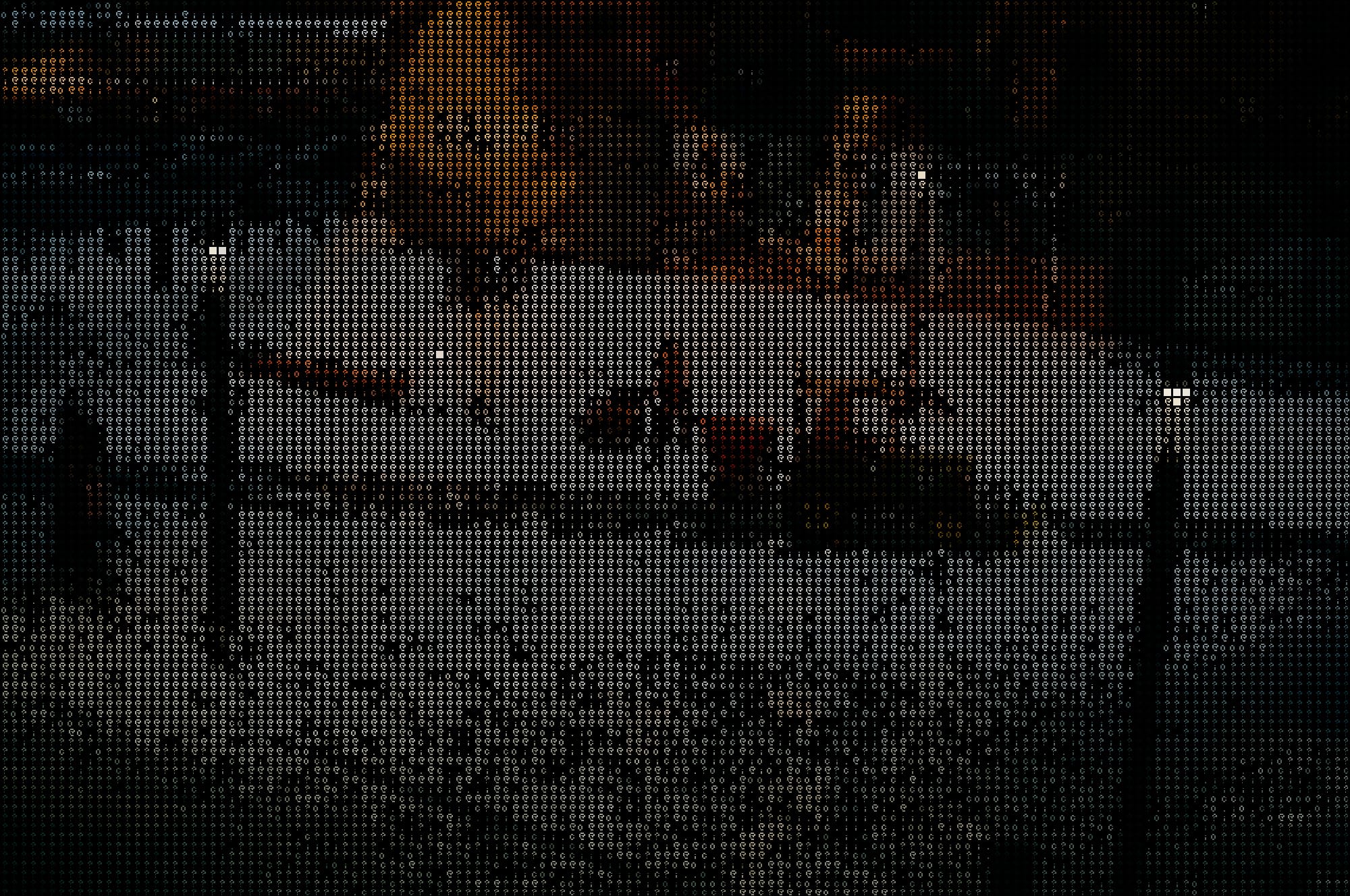
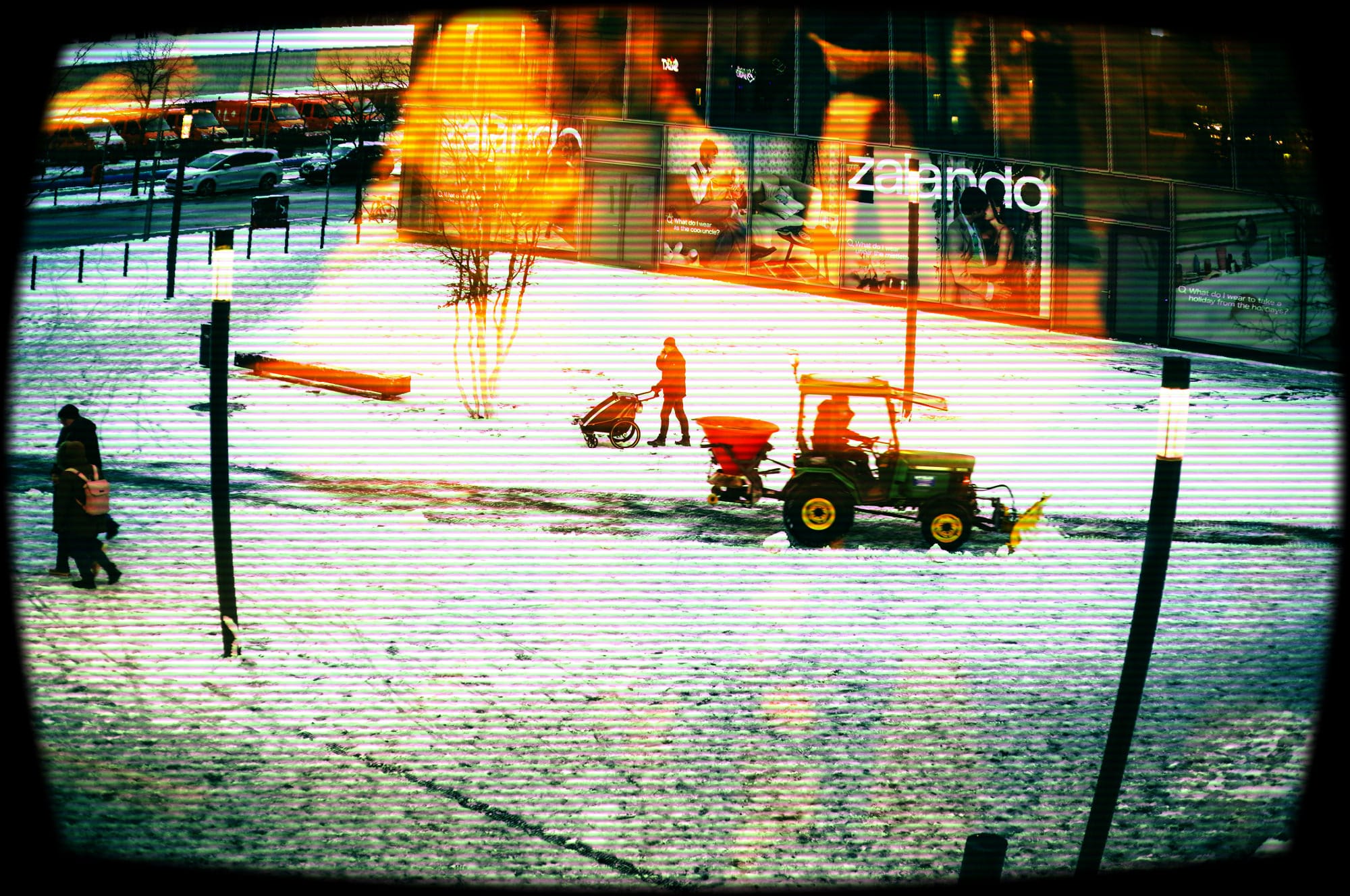
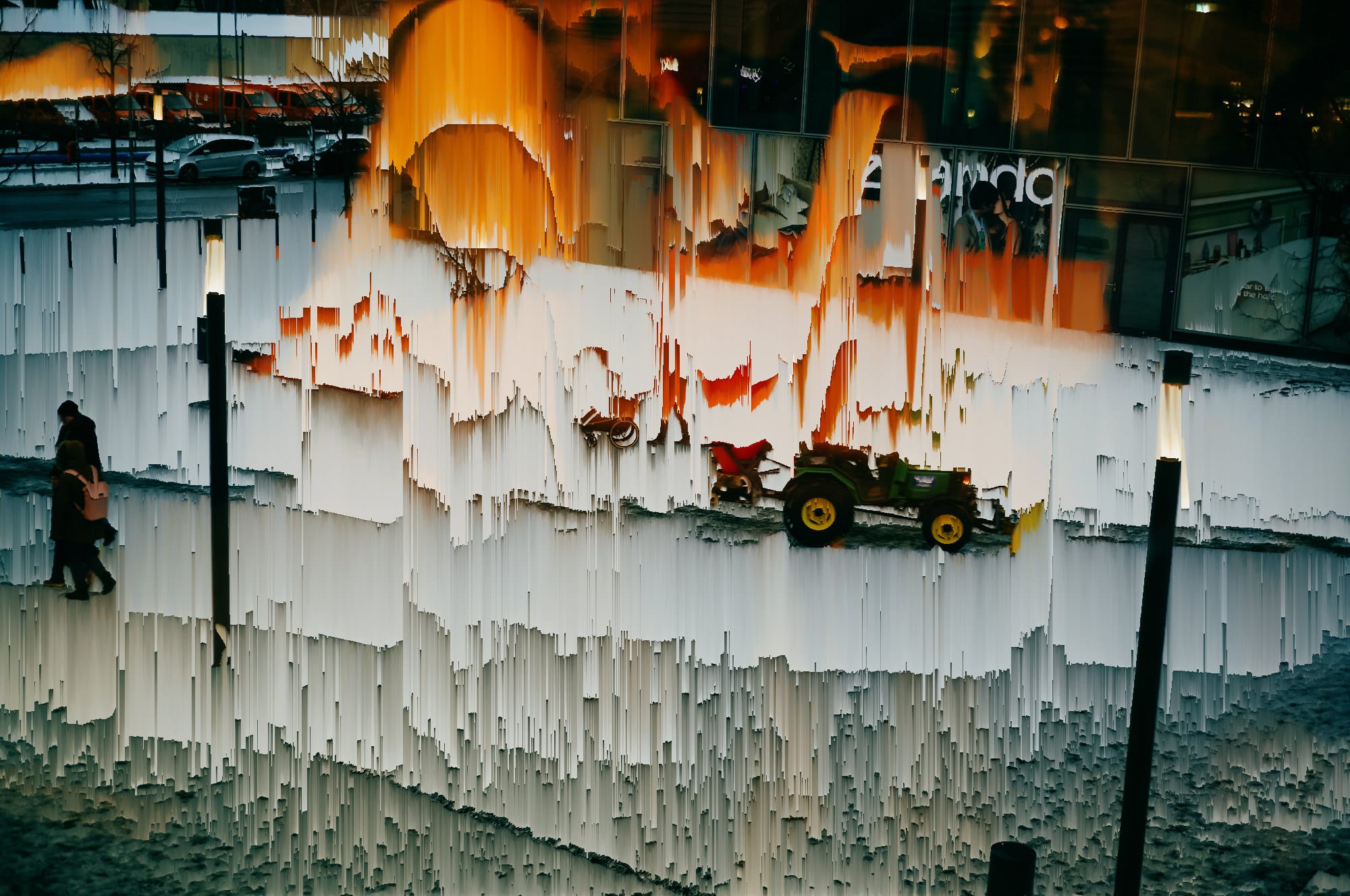
Left: ASCII with low edge bias. Center: CRT Filter. Right: Pixel Sort / Vertical.
Presets and combinations
The real point of the app is not any single layer. It’s the ability to combine them into reusable presets that reflect your own taste. That means one preset can be a clean 10x15 print look with camera metadata, another can be an Instagram crop with an Ektachrome LUT, and another can turn the same image into something dithered and graphic.
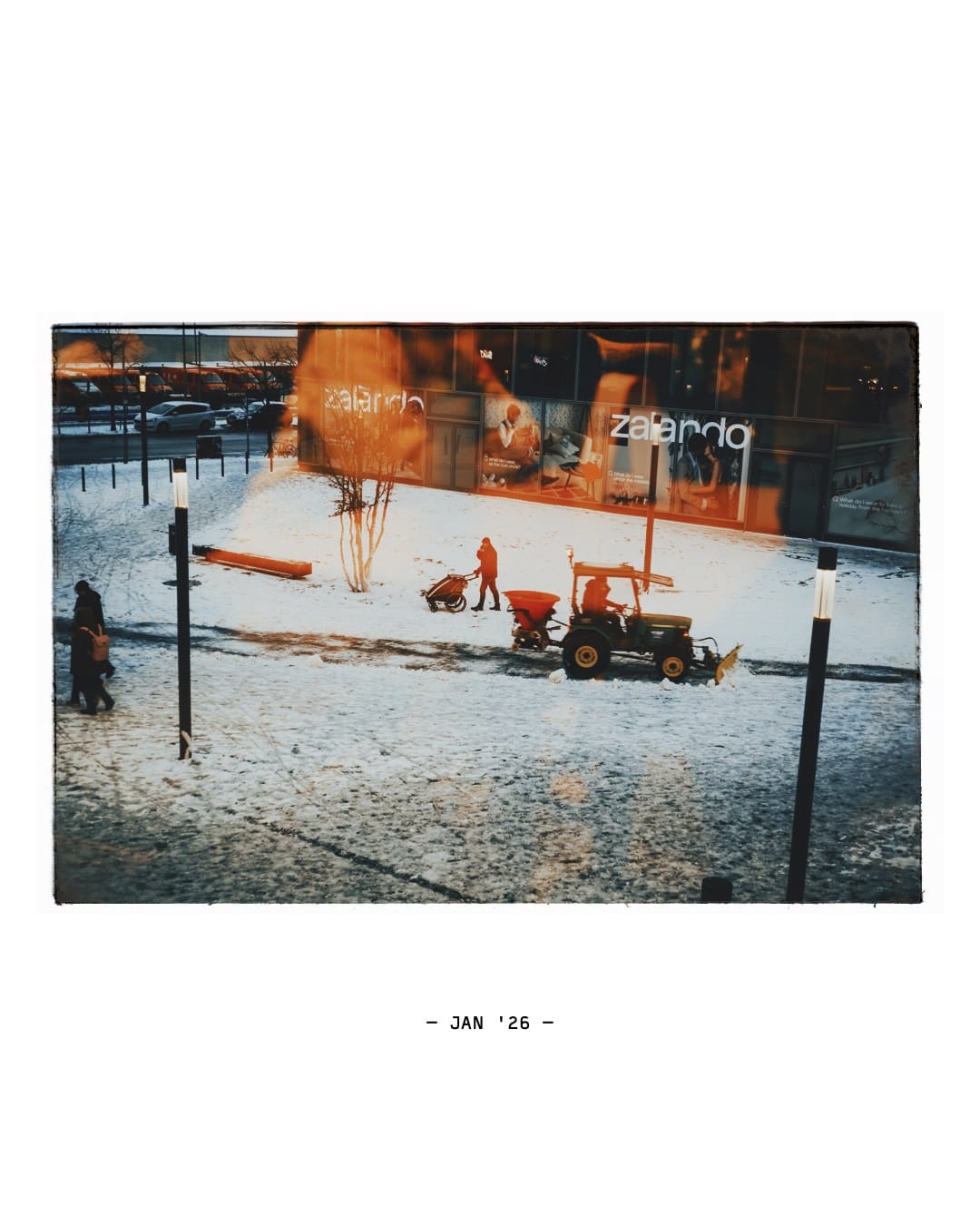
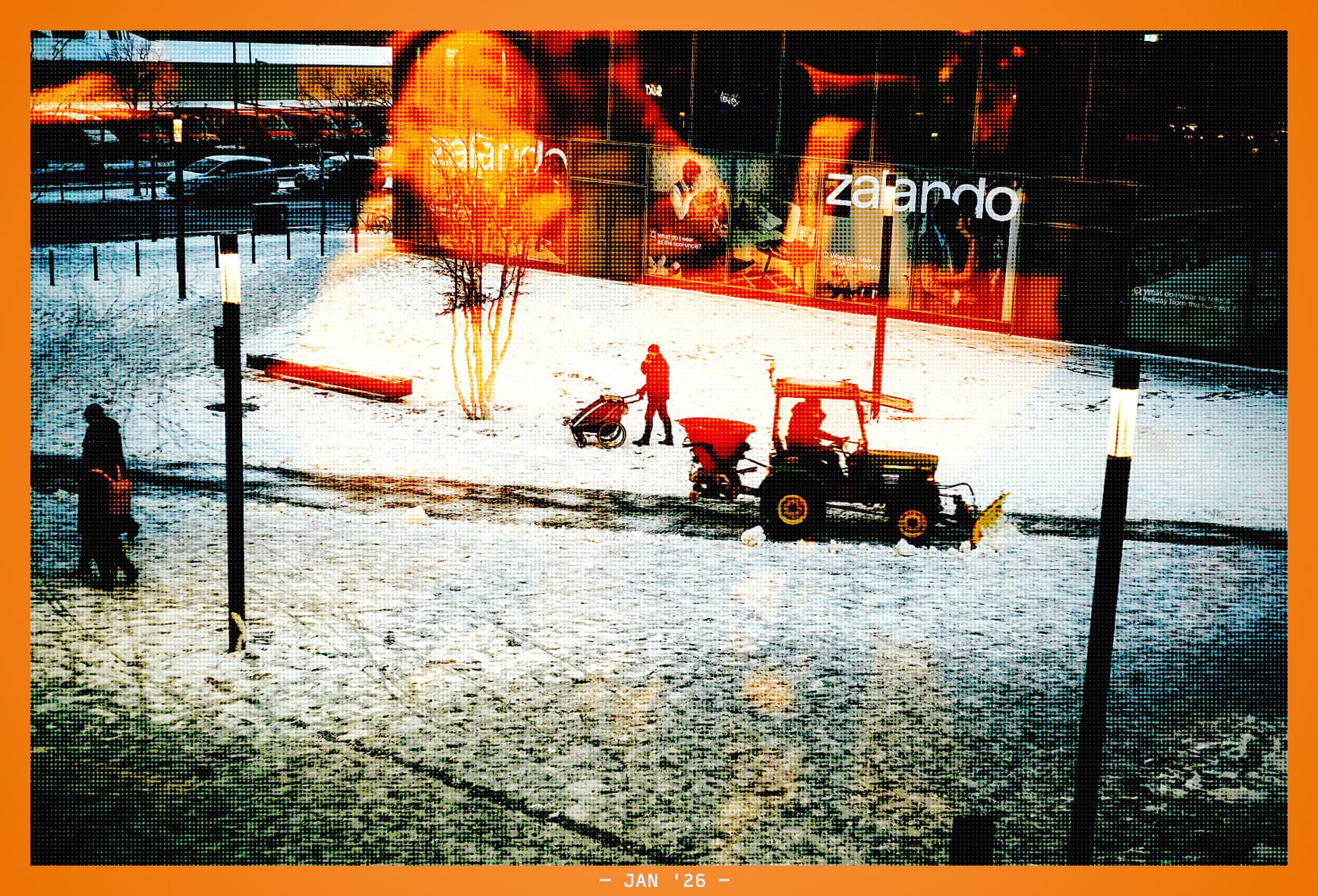
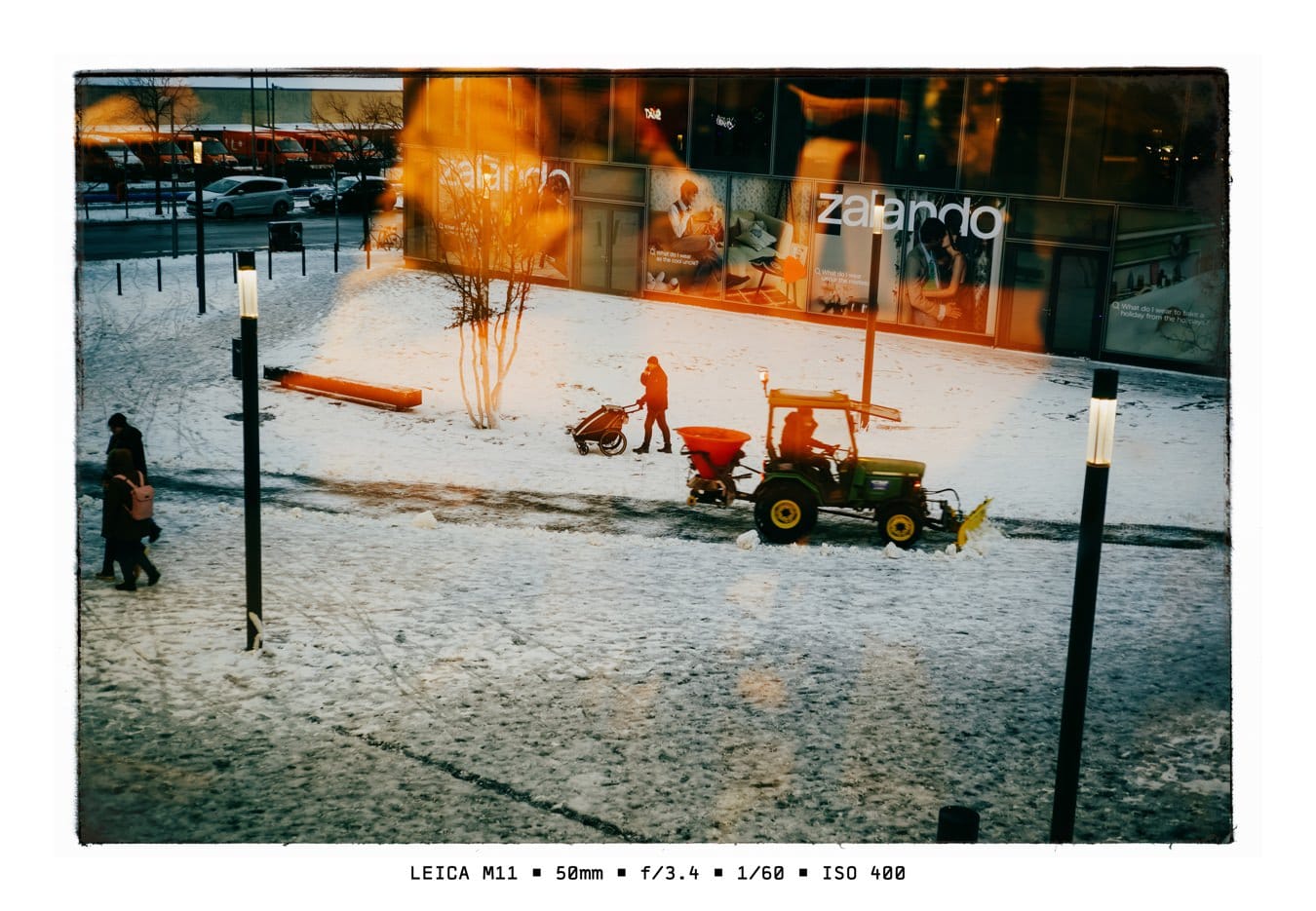
That’s the thing I like most about Framer now: it doesn’t try to do one effect well. It gives me a language for building small visual systems around my photos.
What’s next
Right now I’d mostly like more eyes on it. If this sounds like your kind of thing and you’d be up for a bit of battle-testing, send me a note. I’d love to hear what kinds of photo workflows you’d want a tool like this to support.
No spam, no sharing to third party. Only you and me.
Member discussion